


Google Maps adds holiday itineraries, with appointment searches launching first in the U.S.
The November 16 rollout brings day-by-day travel plans and saved-list searches, while route tips and service-appointment finding have narrower initial availability.
How this story was made
This story was written with AI assistance from Google’s own announcement. Its figures and quotations were checked against their sources, and Digitalage Desk reviewed and approved it before publication. It is published under the name of Peter Michaels, Editor.
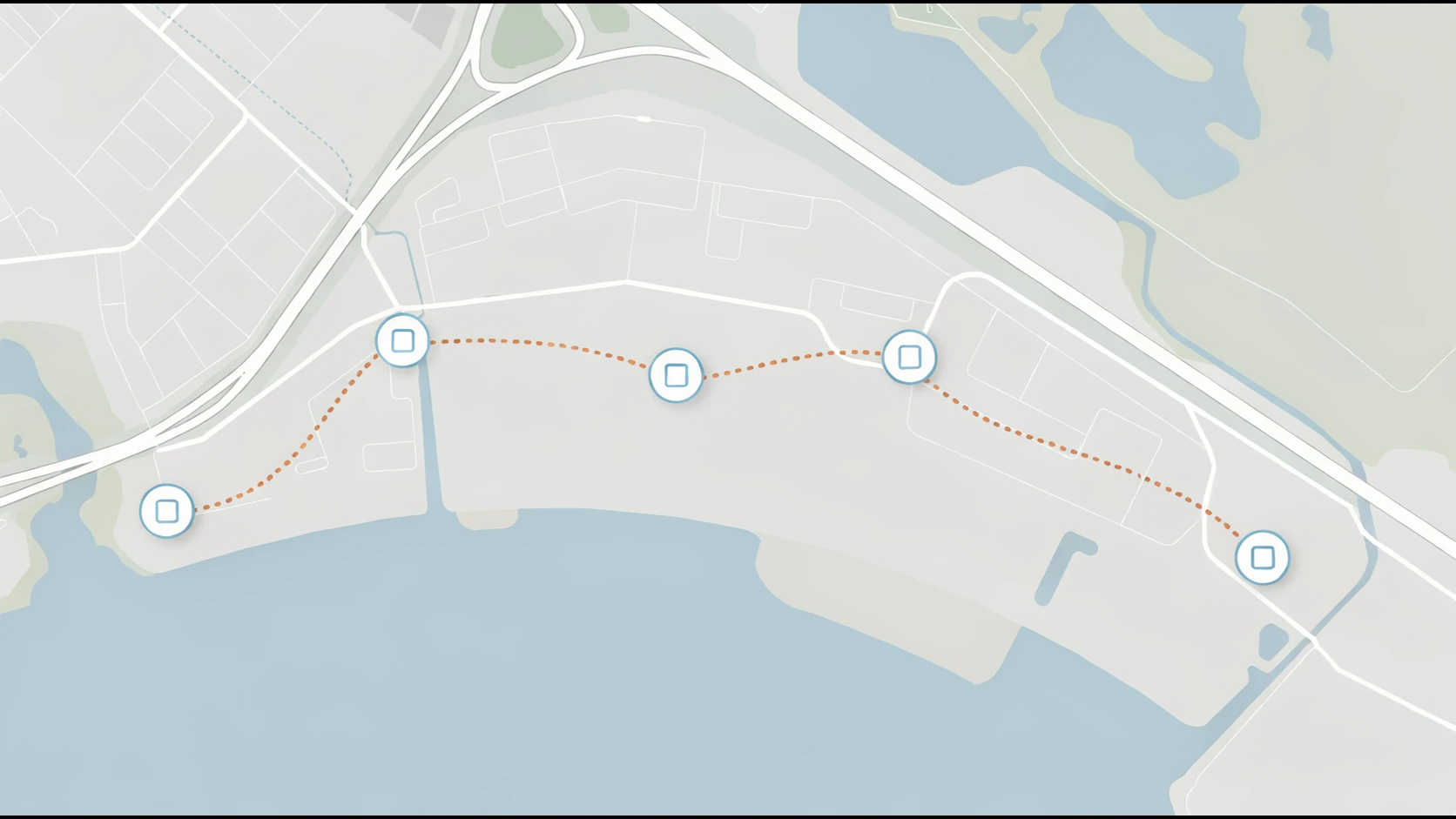
Google Maps is adding more of the planning around a journey to its conversational search tool. The November 16 announcement introduces Ask Maps itineraries, searches across saved places and tools to find service appointments.
A trip request can produce a day-by-day plan with numbered stops. Google says users can change stops, share the itinerary and export it to Google Docs on desktop, then return to it for directions and current trip information.
Saved-list searches can look for places suited to a group’s immediate plans. Appointment finding covers services including beauty, pet care and repairs, with options to search online availability or have the tool call businesses.
Google says the rollout begins on Android and iOS; availability may vary as features reach different markets and accounts, and finding an appointment does not guarantee a confirmed booking. Itineraries and list search extend across Ask Maps markets, while appointment finding and the new route tips launch first in the United States. Google is also expanding Ask Maps across 30 European countries.
The useful starting point is a specific question. Google’s Android help instructions allow follow-up questions in the same conversation, so a broad outing can be narrowed by travel time, destination needs or a stop along the route. Past conversations can be reopened through History when plans need another pass.
Primary sourceGoogle: “New Ask Maps features to help with holiday travel and prep”The app also keeps a separate activity record. Google’s Maps-history guidance says past Ask Maps conversations are among the activities saved when Search Services History is enabled. Users can view and delete activity through their account; the page notes that settings are being updated and may look different across versions.
A practical way to use the new tools is to separate choosing a plan from sharing it. Refine the trip privately, check the destinations linked in the response, then send a conversation only after reviewing what it reveals. Deleting a shared link and deleting the original conversation are separate actions in Google’s instructions.
End of story